CityFlow
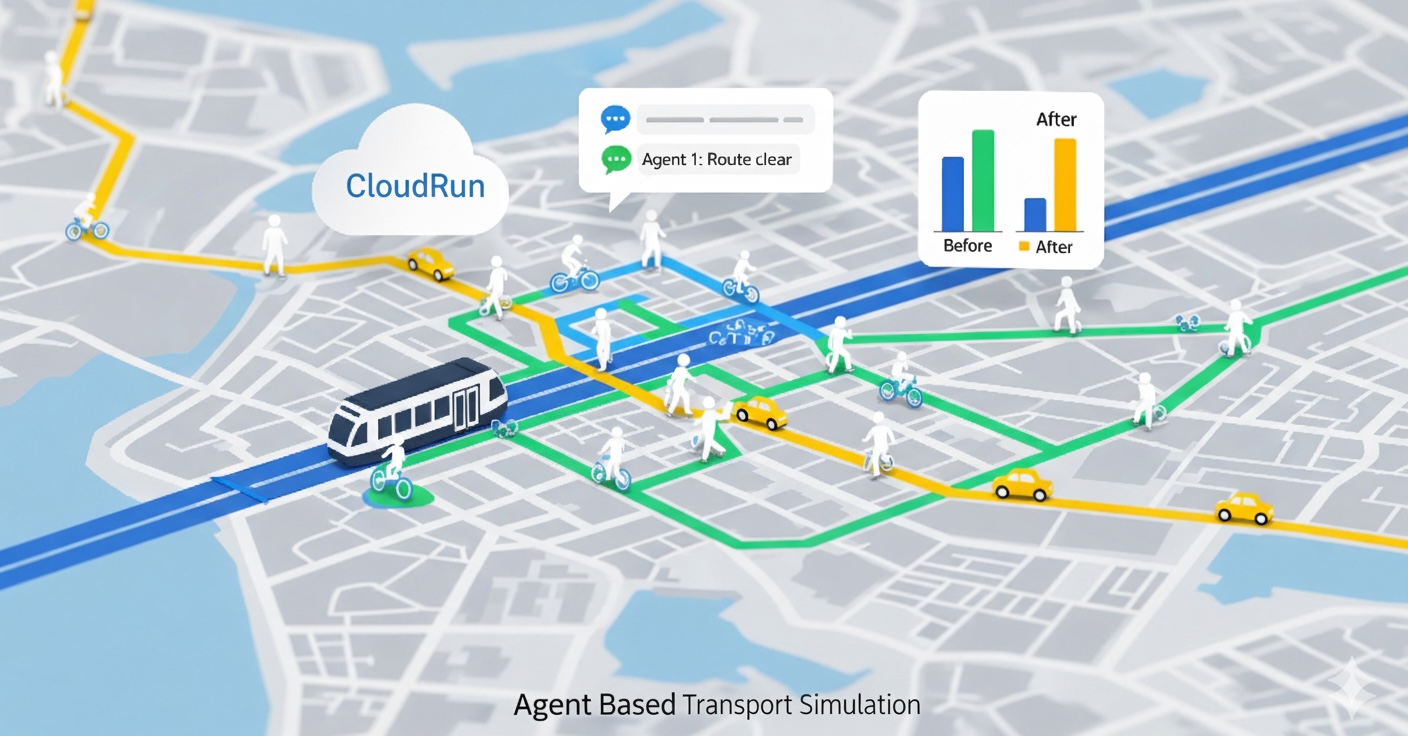
Lightweight Agent Based Transport Simulation + AI insights. One container. One deploy.
- Backend: FastAPI + Uvicorn
- Frontend: Multi-page site in
web/served by FastAPI - Simulation:
transport_sim/ - Ready for Google Cloud Run with scale to zero
- Optional OpenAI-powered insights (
OPENAI_API_KEY)

Features
- Single FastAPI service serves API and static pages
- Multi-page frontend (MPA), no SPA router needed
- Agent-based simulation stub with configurable inputs
- Simple /files static mount for downloadable outputs
- /v1/ API namespace to keep routes clean
- Cloud Run friendly: scale to zero, cold start tolerant
System Architecture
flowchart TD
    User([User / Browser])

    subgraph CloudRun ["Google Cloud Run Service"]
        FastAPI["FastAPI App<br>(Uvicorn)"]

        subgraph Components
            Static["Static Files<br>(web/)"]
            Sim["Transport Sim<br>(transport_sim/)"]
            API_Routes["API Routes<br>(/v1/*)"]
        end

        FastAPI -->|Serves| Static
        FastAPI -->|Routes| API_Routes
        API_Routes <-->|Controls| Sim
    end

    User <-->|HTTPS| FastAPI
    API_Routes <-->|Analysis| OpenAI([OpenAI API])

    style CloudRun fill:#f9f9f9,stroke:#333,stroke-width:2px
    style OpenAI fill:#e6f3ff,stroke:#333
Stack
- Python 3.11
- FastAPI, Uvicorn
- Starlette StaticFiles
- (Optional) OpenAI for insights/chat
Project Layout
cityflow/
├─ api/
│  ├─ main.py                 # FastAPI app entry. Serves API + web/
│  ├─ globals.py              # ROOT_DIR, DATA_ROOT, WEB_DIR, middleware, warmups
│  └─ routes/
│     ├─ health.py            # /v1/health
│     ├─ cities.py            # /v1/cities
│     ├─ submit.py            # /v1/submit   (start a sim)
│     ├─ status.py            # /v1/status   (check sim status)
│     ├─ insights.py          # /v1/insights (analytics / summaries)
│     └─ chat.py              # /v1/chat     (LLM assistant, optional)
├─ transport_sim/             # Simulation engine and helpers
├─ web/                       # Multi-page frontend (index.html, map.html, etc.)
│  ├─ index.html
│  ├─ map.html
│  ├─ results.html
│  └─ assets/...
├─ data/                      # Input/outputs, optional in-repo samples
├─ requirements.txt
├─ Dockerfile                 # Minimal. Uvicorn entrypoint.
└─ README.md
If your pages use pretty URLs (for example
/mapinstead of/map.html),api/main.pyincludes a tiny handler or link directly with.htmlin anchors.
Quickstart
1) Local run (no Docker)
python -m venv .venv
source .venv/bin/activate        # Windows: .venv\Scripts\activate
pip install -r requirements.txt

# Optional if you use OpenAI features
export OPENAI_API_KEY="sk-...your key..."

uvicorn api.main:app --host 0.0.0.0 --port 8080 --reload
Now open: - Site: http://localhost:8080/ - Health: http://localhost:8080/v1/health
2) Local run with Docker
docker build -t cityflow .
docker run -p 8080:8080 \
  -e OPENAI_API_KEY="sk-...optional..." \
  cityflow
Configuration
Environment variables
| Name | Required | Default | Description |
|---|---|---|---|
OPENAI_API_KEY |
No | empty | Enables LLM features in /v1/insights and /v1/chat. |
PORT |
No | 8080 |
Set by Cloud Run. For local Docker you can leave default. |
CITYFLOW_DATA_DIR |
No | data/ |
If set in globals.py, overrides the default DATA_ROOT. |
Static mounts
/serves the multi-page site fromweb//filesserves downloadable artifacts fromdata/(orCITYFLOW_DATA_DIR)
API Reference
Base URL: /v1
| Method | Path | Purpose |
|---|---|---|
| GET | /v1/health |
Liveness and version info |
| GET | /v1/cities |
List of supported demo cities |
| POST | /v1/submit |
Start a simulation job |
| GET | /v1/status/{job_id} |
Poll simulation status and outputs |
| POST | /v1/insights |
Compute insights for a scenario |
| POST | /v1/chat |
LLM chat for analysis and guidance |
Exact request and response shapes are simple JSON. Check each route file in
api/routes/for schemas. Typical simulation runs complete within 3 minutes. Set Cloud Run timeout to at least 240 seconds.
Deployment on Google Cloud Run
Option A: Console (continuous deploy from GitHub)
- Cloud Run → Create service → Continuously deploy from a repository
- Connect GitHub, pick your repo and branch
- Build method: Dockerfile
- Service settings:
- Region:
europe-west2(London) or your preference - CPU 1, Memory 1 GiB - Timeout 300 s - Concurrency 1 or 2 - Min instances 0 - Ingress: all - Authentication: allow unauthenticated (for public demo) - Variables & Secrets → add
OPENAI_API_KEYor use Secret Manager (recommended) - Deploy. Map a custom domain when ready.
Option B: gcloud CLI
gcloud builds submit --tag europe-west2-docker.pkg.dev/PROJECT_ID/cityflow/cityflow:latest

gcloud run deploy cityflow \
  --image europe-west2-docker.pkg.dev/PROJECT_ID/cityflow/cityflow:latest \
  --region europe-west2 \
  --platform managed \
  --allow-unauthenticated \
  --port 8080 \
  --cpu 1 --memory 1Gi \
  --timeout 300 \
  --concurrency 1 \
  --min-instances 0
Secret Manager (best practice)
echo -n "sk-..." | gcloud secrets create openai-api-key --data-file=-

gcloud secrets add-iam-policy-binding openai-api-key \
  --member="serviceAccount:PROJECT_NUMBER-compute@developer.gserviceaccount.com" \
  --role="roles/secretmanager.secretAccessor"

gcloud run services update cityflow \
  --region europe-west2 \
  --set-secrets OPENAI_API_KEY=openai-api-key:latest
Custom domain
- Cloud Run → Custom domains → Map domain
- Add the suggested DNS records in Route53
- Let Google manage the certificate
Dockerfile
This repo includes a minimal Dockerfile that works on Cloud Run:
FROM python:3.11-slim
ENV PIP_NO_CACHE_DIR=1 PYTHONDONTWRITEBYTECODE=1 PYTHONUNBUFFERED=1
WORKDIR /app

COPY requirements_prod.txt .
RUN pip install -r requirements_prod.txt

COPY . .
ENV PORT=8080
CMD ["uvicorn", "api.main:app", "--host", "0.0.0.0", "--port", "8080"]
.dockerignore recommended:
__pycache__/
*.pyc
*.pyo
*.pytest_cache/
.venv/
venv/
.git/
node_modules/
dist/
build/
Development tips
- Register API routers before mounting the static site. Keep the static mount last so it does not shadow
/v1/*. - For multi-page sites, link to
.htmlfiles directly (for example/map.html), or add a small “pretty URLs” handler if you want/map. - During local dev, use
--reloadwith Uvicorn and a.envfile for convenience. Do not commit the.env.
Troubleshooting
- 404 on API routes
Check mount order. API routers must be included beforeapp.mount("/", StaticFiles(...)). - Only one server allowed
Do not runhttp.serveralongside Uvicorn. Cloud Run exposes a single port. FastAPI serves both pages and API. - Cold starts
Expect 2 to 6 seconds for a ~200 MB image. Keep min instances at 0 for lowest cost. - Large outputs
Write artifacts todata/and link them under/files/....
License
MIT — see LICENSE.
Contact
- Maintainer: Obaid Malik
- Website: https://obaidmalik.co.uk
- LinkedIn: https://linkedin.com/in/malikobaid1
- Contact: malikobaid@gmail.com
- Issues: please use GitHub Issues for bugs and feature requests